Live glucose
See your latest glucose reading from your Home Screen, Lock Screen, Dynamic Island, Apple Watch, or CarPlay.

Everything you need to manage diabetes, in one beautifully simple app.
DownloadFree on iPhone


Live glucose, food logging, daily goals, insights, and widgets that work together in one beautifully simple app.
See your latest glucose reading from your Home Screen, Lock Screen, Dynamic Island, Apple Watch, or CarPlay.
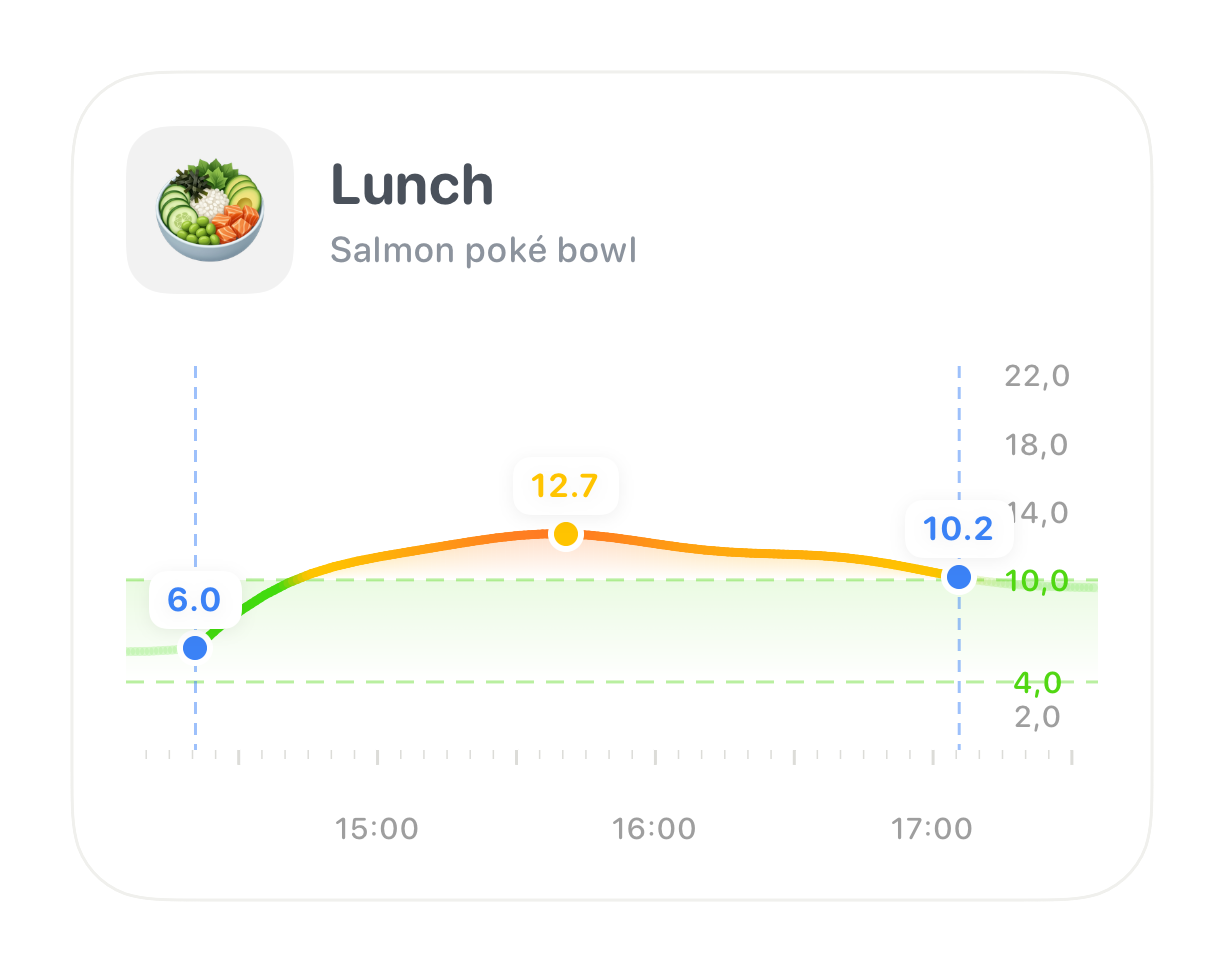
Log meals with a photo, barcode, or quick description, then see how they affect your glucose over time.
Check your glucose, trend, and Time in Range right from your wrist.

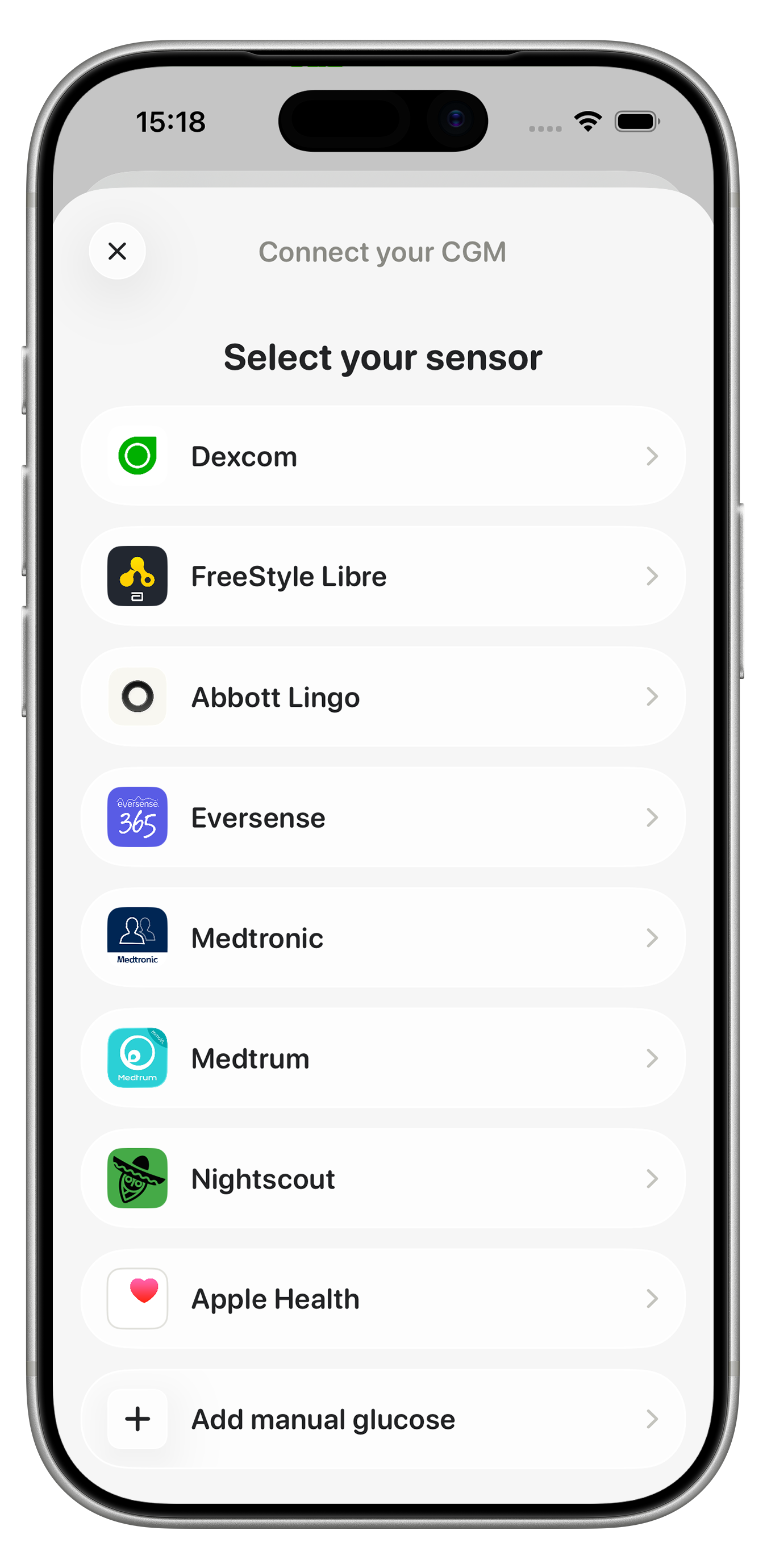
Connect Dexcom, FreeStyle Libre, Abbott Lingo, Eversense, Medtronic, Medtrum, Nightscout, or Apple Health. Your glucose readings sync automatically throughout Glynce.
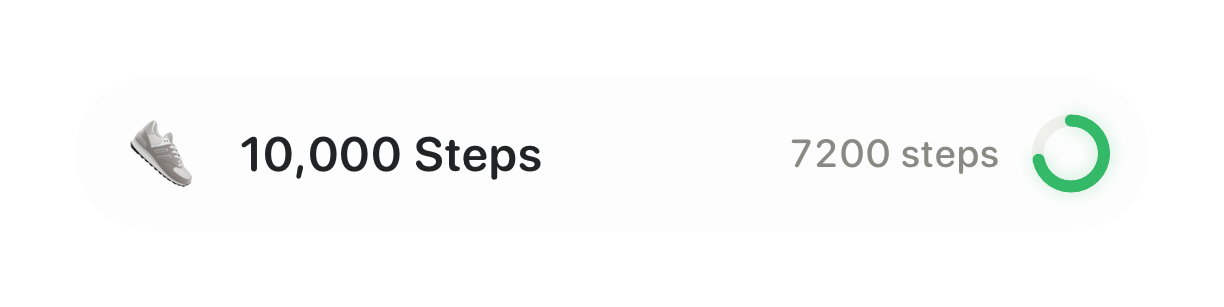
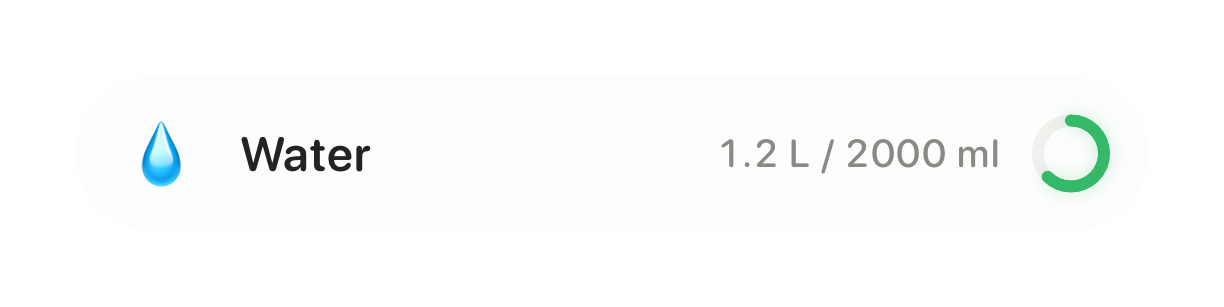
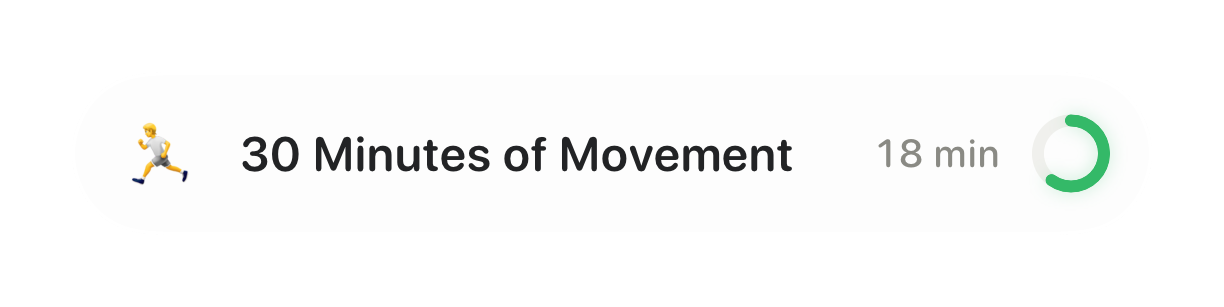
Build healthier habits with simple daily goals for glucose, meals, movement, and hydration.
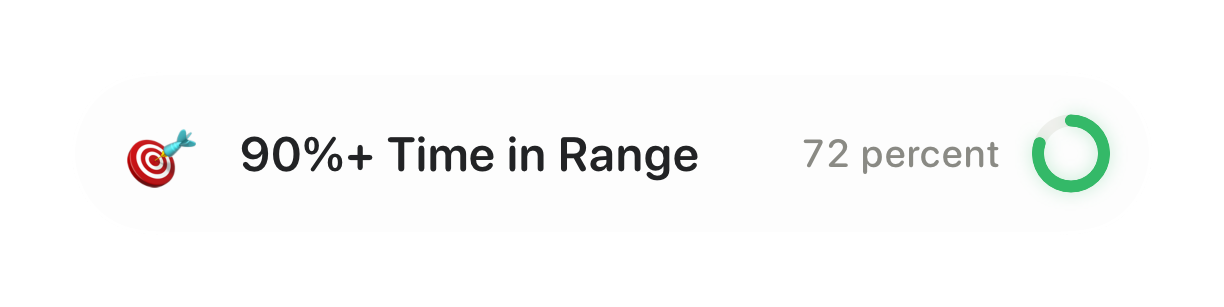
Time in Range, estimated A1c, variability, and average glucose, with a report you can hand to your clinic.
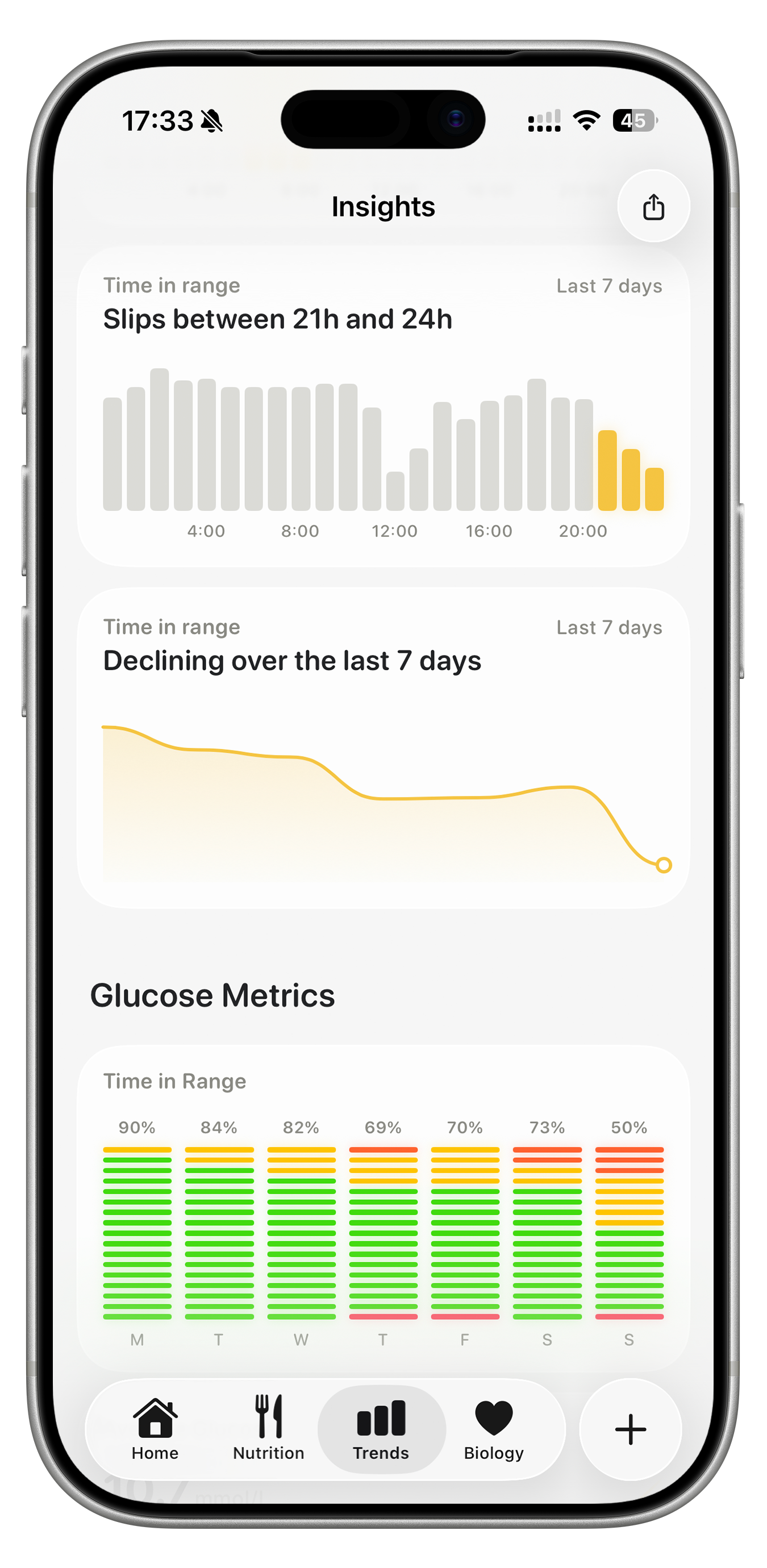
Glynce is an all-in-one diabetes app that brings together CGM readings, food logging, Apple Watch support, daily goals, and glucose insights in one beautifully simple dashboard. It works with all the major continuous glucose monitors, so your glucose readings land in one place.
Glynce works with:
Your glucose readings sync automatically once connected, and you can also log readings by hand.
Yes. Add glucose readings by hand, or let Glynce pick them up from Apple Health if a meter or another app writes them there. Food logging, daily goals, and insights work either way, so you can start without a continuous glucose monitor and connect one later.
Scan a barcode, snap a photo, describe your meal in a few words, or search the food library, and Glynce fills in the nutrition for you. Every meal lands on your glucose chart, so you can see the glucose response it caused instead of guessing.
Yes. Your glucose readings show up on:
Yes, in both directions. Glynce reads glucose from Apple Health, along with your steps, activity, and sleep, so your trends line up with the rest of your day. Once you grant access it writes your glucose readings, meals, and water back to Apple Health as well.
Your glucose readings are processed on your device, not on our servers. Glynce is operated from the Netherlands and follows the GDPR. See our Privacy Policy for the full picture.
No. Glynce is for information only and does not provide medical advice, diagnosis, or treatment. Always confirm readings with your CGM's official app and follow the guidance of your diabetes care team.