How often do glucose widgets update?
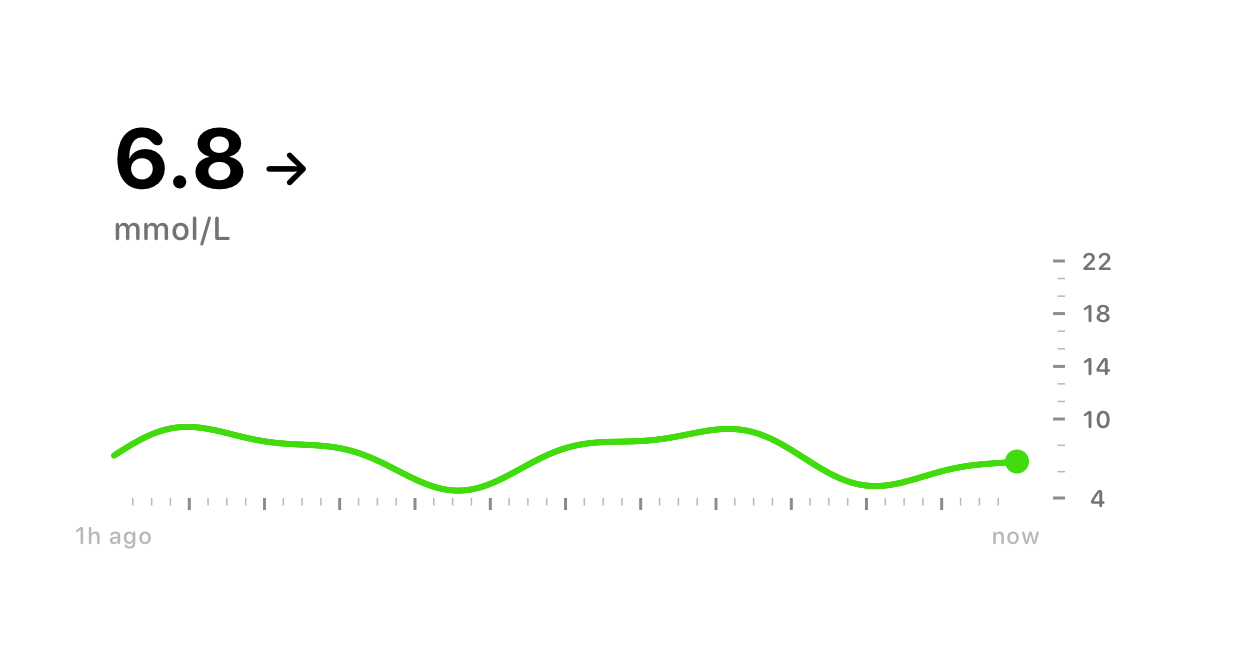
Glynce refreshes your widgets as each new reading arrives from your CGM, and asks iOS to check in every fifteen minutes as a backstop. iOS decides how often it grants those checks, which is why every widget shows the reading's age next to the value.
Why is my glucose widget blank?
Because no reading has arrived for thirty minutes. Rather than leave an old number on screen, Glynce blanks the value to a dash. Usually it means your sensor, your phone's connection, or the link to your CGM's service has dropped.
Delayed or missing data →
Which CGMs support live glucose widgets?
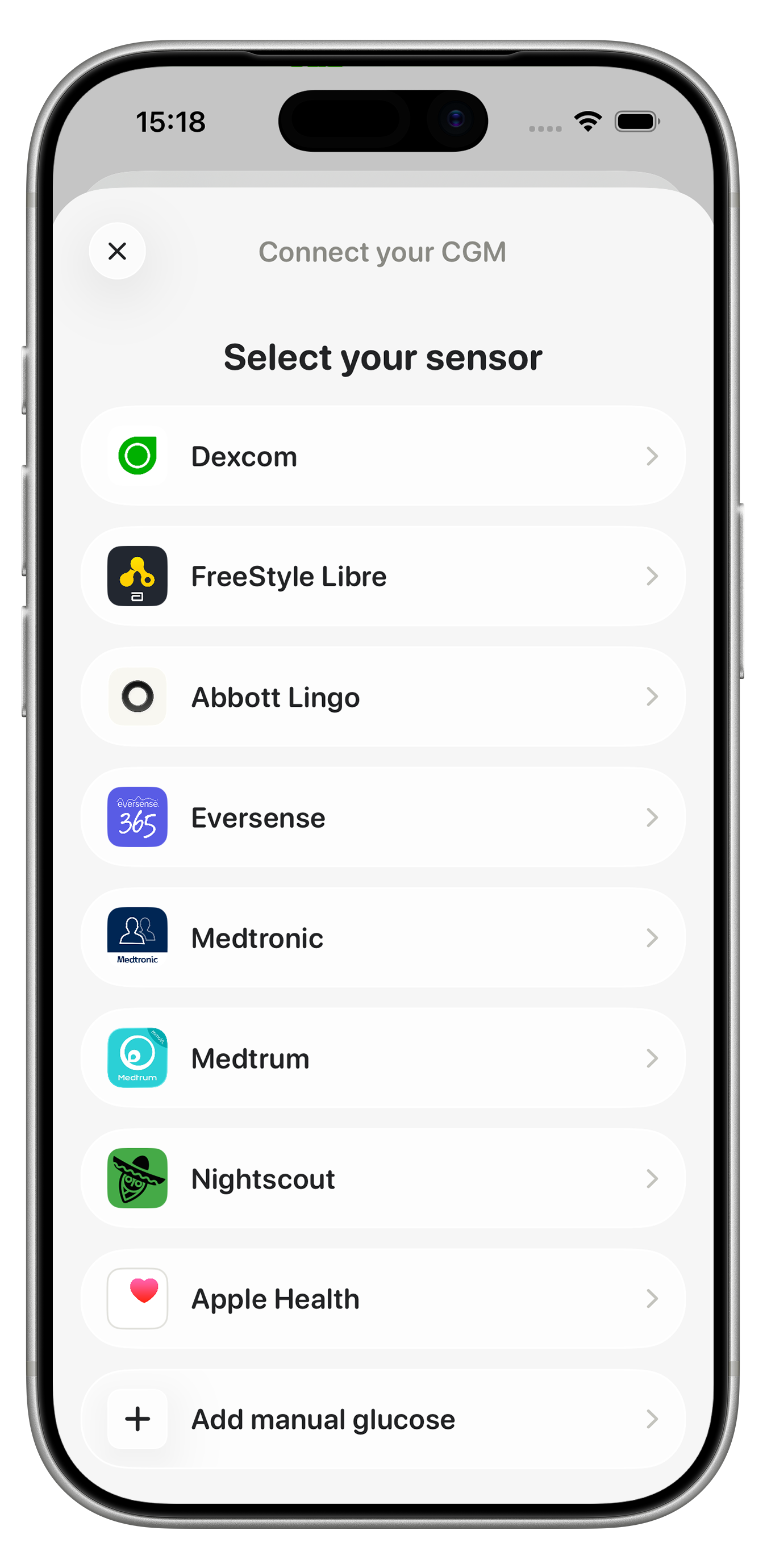
All of them. Widgets read from whatever source you connected, so Dexcom, FreeStyle Libre, Abbott Lingo, Eversense, Medtronic, Medtrum, Nightscout and Apple Health all feed the same widgets.
View all supported CGMs →
Can I use glucose widgets with Apple Health?
Yes. If your sensor, meter, or another app writes glucose to Apple Health, Glynce reads it from there and your widgets work exactly as they would with a directly connected CGM.
Connect Apple Health →
Do glucose widgets work without an internet connection?
It depends on your source. Dexcom, FreeStyle Libre, Medtronic, Medtrum, Eversense and Nightscout all reach your readings through their own services, so without a connection no new readings arrive and the widget blanks after thirty minutes.
Apple Health and manual entry are the exceptions. Both live on your device, so if your sensor writes to Health, or you type a reading in yourself, your widgets keep working with no connection at all.
Does the widget work with Dexcom?
Yes. Connect your Dexcom account once and your Dexcom readings feed every Glynce widget, complication, and Live Activity, the same as any other source.
Does the widget work with FreeStyle Libre?
Yes, through LibreLinkUp. Once your FreeStyle Libre is connected, its readings show up on your widgets and Apple Watch automatically.
Can I see my blood sugar on Apple Watch?
Yes. Add the Glynce Apple Watch app or a complication, and your latest reading, trend arrow, and Time in Range sit on your wrist, right on the watch face.
Glynce on Apple Watch →
How do I get my glucose on the Lock Screen?
Add a Glynce widget to your Lock Screen, or keep a Live Activity running. Either way your reading stays on the Lock Screen and updates as new readings arrive, without opening the app.
Does Glynce support Live Activities?
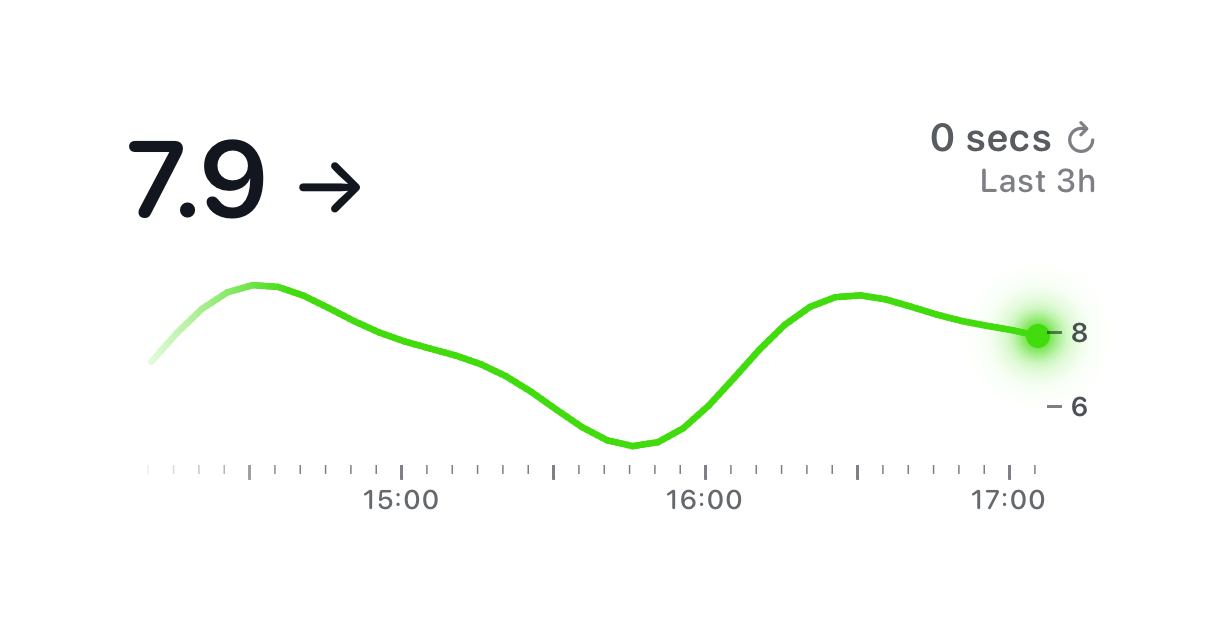
Yes. A Live Activity keeps your glucose on the Lock Screen and in the Dynamic Island with a three-hour chart, updating live as each new reading comes in.